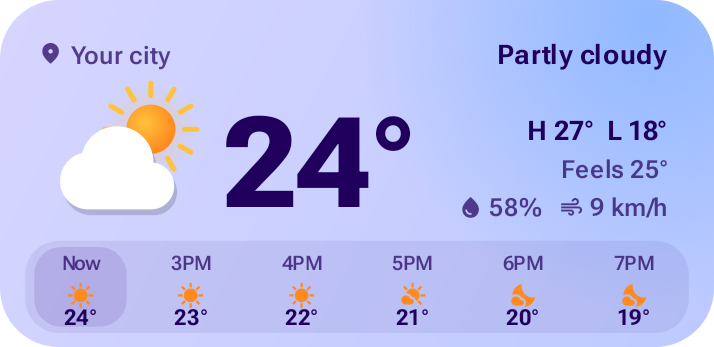
Weather
Current conditions, hourly and 5-day forecasts. Three layouts.
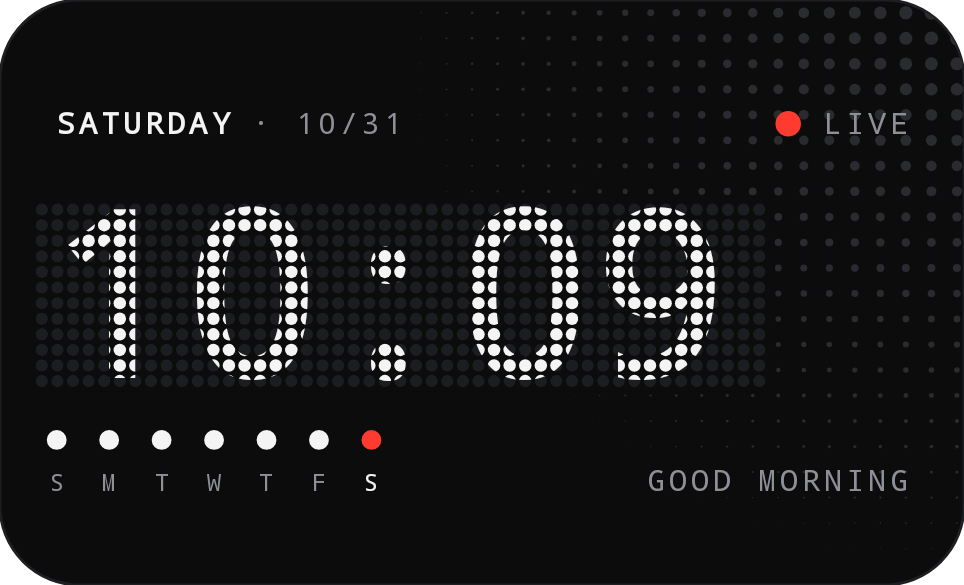
MaterialX brings 30+ hand-crafted widgets to Android: clocks, weather, battery, earbuds, music and more. Every one comes in three distinct styles and colours itself to match your wallpaper.
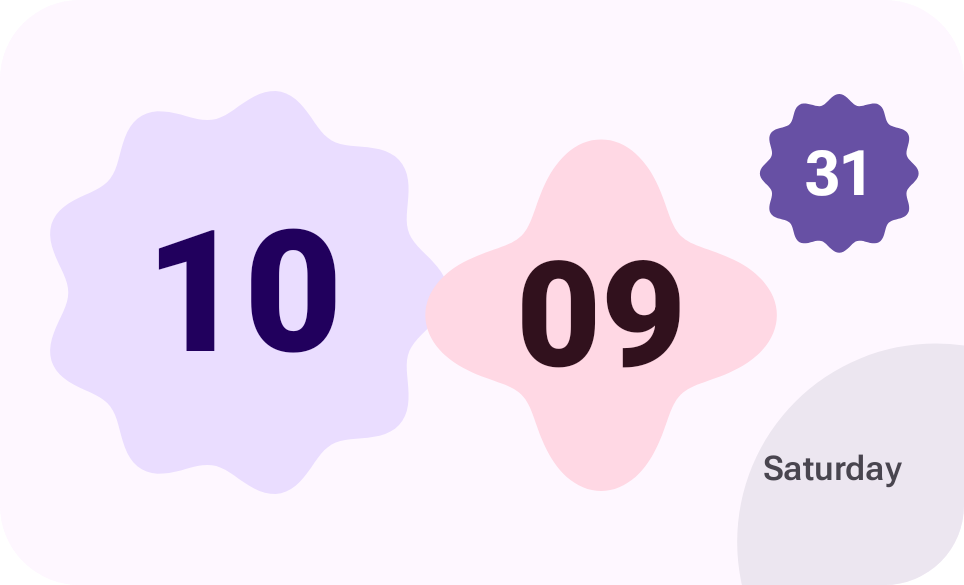
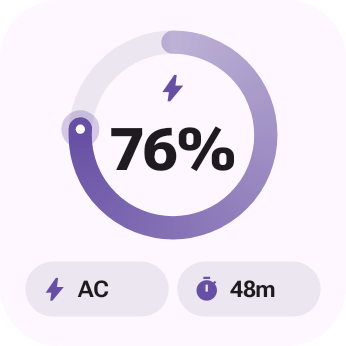
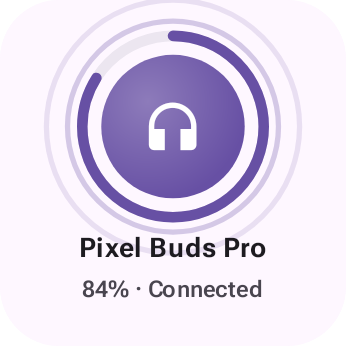
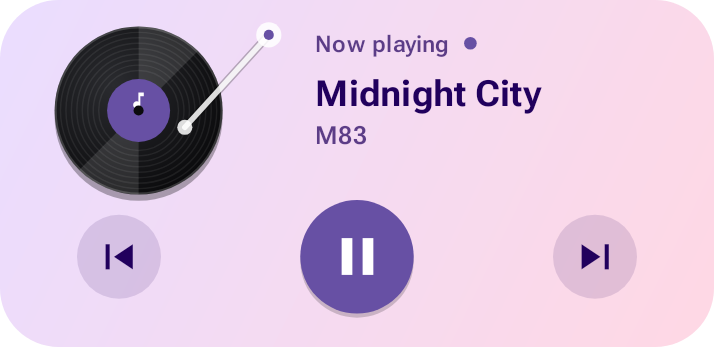
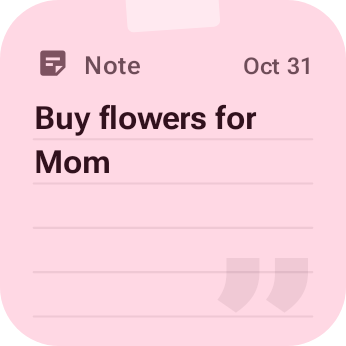
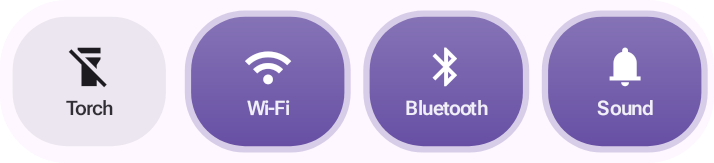
Three styles
Switch any widget between Material, Glass and Dot in a tap. Each style is designed on its own, not just recoloured.
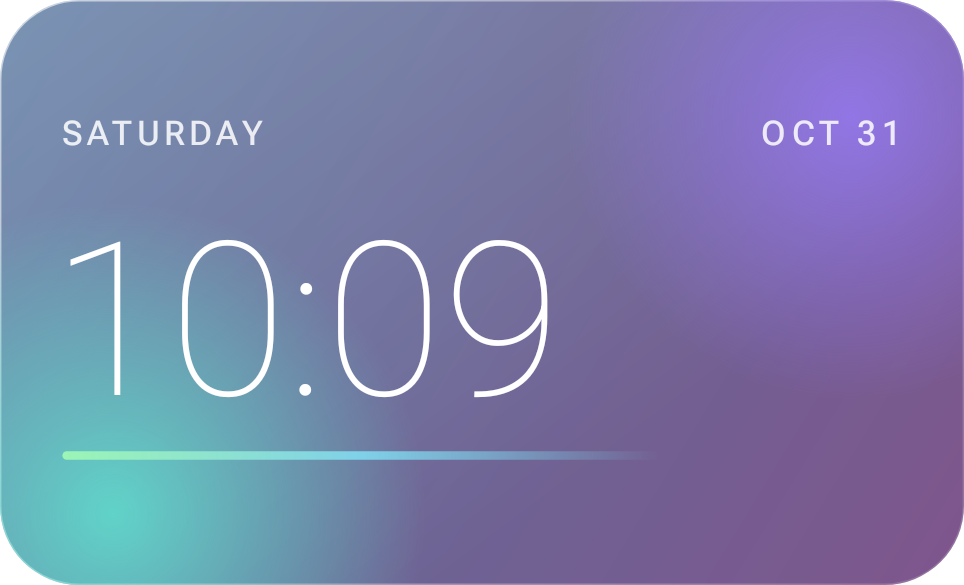
The collection
Over 30 designs across eleven kinds of widget, each one sized, spaced and tuned for the home screen.
Current conditions, hourly and 5-day forecasts. Three layouts.
Energy Ring and Liquid, with live charging animation.
Battery for your Bluetooth earbuds and headphones.
Five music widgets, including Vinyl, Equalizer Skyline, Glass Capsule and Dot Marquee, that animate in a style picked for each song.
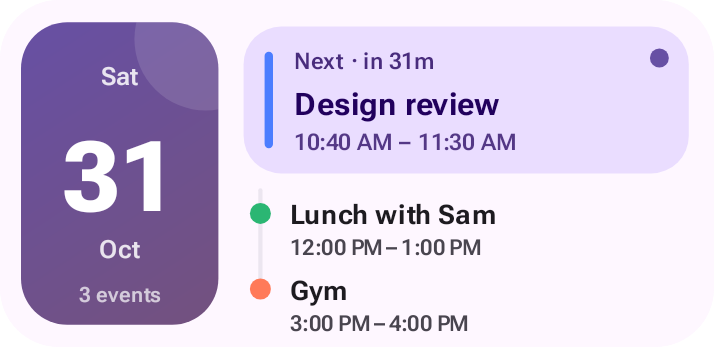
Your next events from the calendars on your phone.
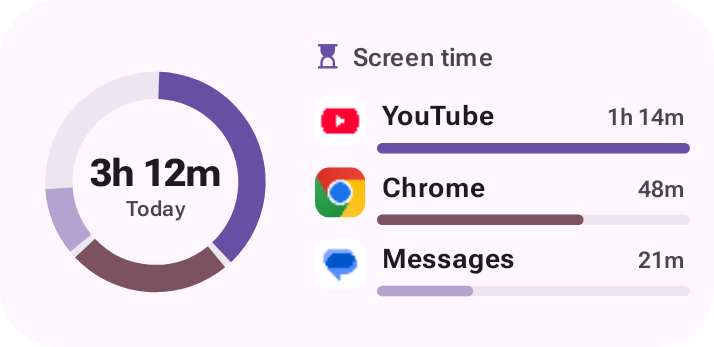
Today's phone use and your most-used apps at a glance.
A note to yourself, right on the home screen.
Sixteen clock designs, digital and analog.
Torch, ringer, Wi-Fi and Bluetooth in one row.
Thoughtfully engineered
Material widgets pick up the colours of your wallpaper and switch to dark at night.
Music widgets animate in a rhythm and colour picked from each song and its album art.
Battery and earbuds widgets react when you plug in, unplug or connect headphones.
Every widget lays itself out for the space it's given, on any launcher and screen.
Pick a design, a style, and whether it animates. Change it any time from the widget itself.
Animations run inside Android's own widget system, so your phone isn't kept awake to draw them.
Private by design
MaterialX has no accounts, no ads and no analytics. Your calendar, music and app usage are read on your device to draw your widgets, and never leave it.
Read the Privacy PolicyQuestions
Open MaterialX, choose a widget and tap “Add to home screen”. You can also long-press your home screen, tap Widgets and find MaterialX in the list.
MaterialX works on Android phones with a launcher that supports home-screen widgets, which is nearly all of them. Some launchers size widgets differently; MaterialX adapts its layout to fit.
Only to fill in the widgets you choose: location for weather, calendar for Schedule, Bluetooth for Earbuds, notification access for Now Playing and usage access for Screen Time. If you don't use a widget, you never need to grant its permission.
No. Widgets update on a gentle schedule, and animations are played by Android's own widget system rather than by keeping MaterialX running.
Some phone makers pause apps in the background to save battery. In your phone's settings, set MaterialX's battery usage to “Unrestricted” so its widgets stay up to date.
Purchases are handled by Google Play, so refunds follow Google Play's refund policy. Within 48 hours of buying you can usually request one directly from Google Play. See our Terms for details.
Thirty-plus widgets, three styles, and no ads. Ever.